
2 min read
Using campus and public Wi-Fi safely
How to pick the right campus network, spot a fake hotspot, and handle banking or aid forms on a shared connection.
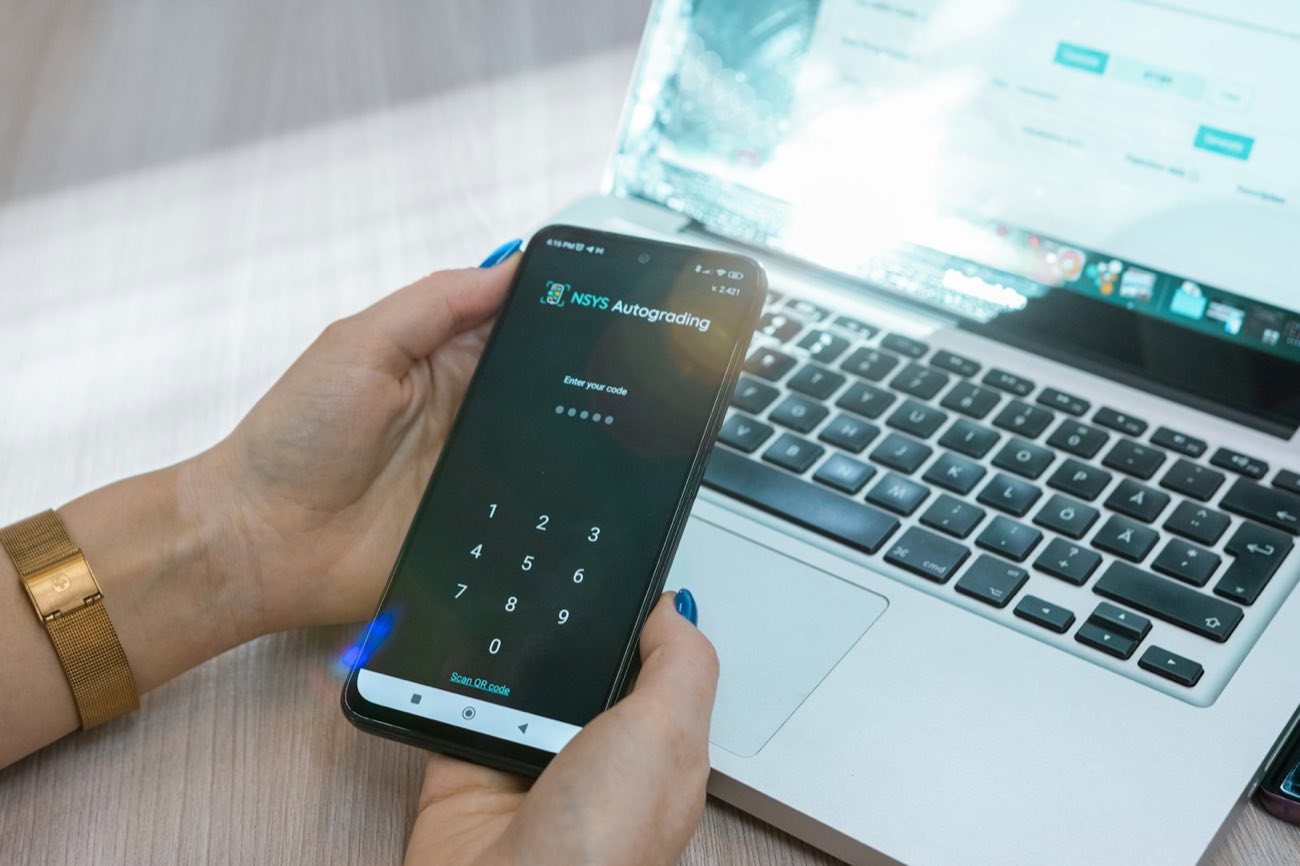
Phishing messages try to get your password, money or personal details by posing as your school, a lender or an employer. Knowing the patterns that come up around campus, and how to check a message without clicking it, takes away most of the danger.
Many scams follow the school calendar, arriving around the start of term, refund dates and the FAFSA season. Common ones claim your aid refund is on hold, your email account is about to close, or a tuition payment failed. Others offer a scholarship that charges an application fee, or a paid service that will file the FAFSA for you.
Fake job offers are especially common in student inboxes. A typical one offers well-paid remote work as an assistant, sends a check to deposit, and asks you to send part of the money back or buy gift cards. The check later bounces, and the bank holds you responsible for the full amount.
Pressure to act within hours, a sender address that does not match the school's real domain, and a link to a sign-in page are the most frequent clues. Requests for your password, a multi-factor code, your FSA ID or bank details are a strong warning, since legitimate offices do not ask for those by email or text.
Messages can look exactly like real school email, including logos and a real staff member's name. Hover over a link before clicking to see where it really goes, and look closely at the spelling of the web address.
Instead of using a link or phone number from the message, open the school portal from a bookmark or type the address yourself. If the message says something is wrong with your aid or account, the portal will show the same notice. You can also call the office using the number on the school's own website.
Applying for federal student aid is free, and the FAFSA is filed at studentaid.gov. Any offer to file it for a fee, or to speed up your aid in exchange for a payment, deserves suspicion.
Change your password straight away from a trusted device and tell the IT help desk, which can check for unusual sign-ins. If you shared bank details or sent money, call your bank the same day. If you gave out your FSA ID, reset it at studentaid.gov.
Report the message with your email's report-phishing button or by forwarding it to the IT security address your school lists. Scams involving money or identity can also be reported to the Federal Trade Commission.
Your school's IT security team or help desk. They decide, and they can look at your own situation.
Student Benefit Network is an independent information site: not a government agency, and not affiliated with the U.S. Department of Education, any state agency or any school. Filing the FAFSA is free, and so is applying for public benefits.
More in Tech and internet
How to pick the right campus network, spot a fake hotspot, and handle banking or aid forms on a shared connection.
Renting, buying used, library reserves, open textbooks and inclusive-access opt-outs all cut the cost of course materials.


Read-aloud, dictation, captions, magnification and focus settings come with most phones and computers at no extra cost.