
2 min read
Phishing messages aimed at students
Fake refund notices, job offers and account warnings follow the school calendar. Here is how to spot them and what to do.
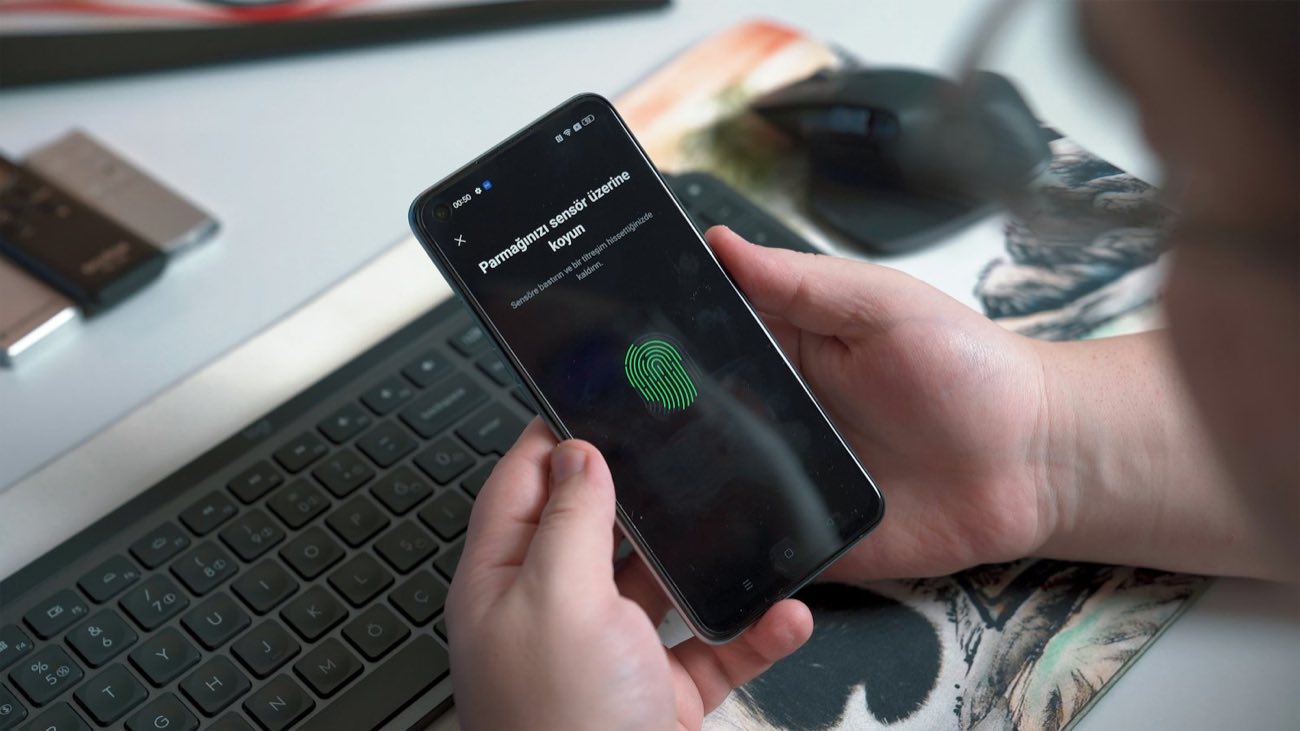
Your school account, student email and FSA ID control your grades, financial aid and refund payments, so they are worth securing properly. Setting up multi-factor sign-in, handling your FSA ID carefully and acting quickly when someone else gets in cover most of the risk.
A single school sign-in often opens your email, course site, student records and the page where refunds are deposited. Someone who gets into that account can change your direct deposit details, read messages from instructors, or use your address to trick classmates. Treat it with the same care as a bank login.
Many schools use single sign-on, so one password covers many services. That makes a strong, unique password especially important, along with multi-factor sign-in.
Multi-factor sign-in asks for a second proof after your password, such as a code from an authenticator app or a prompt on your phone. Authenticator apps and physical security keys are harder to intercept than codes sent by text. Save the backup codes your school provides somewhere safe, away from your phone.
Approve only the sign-in prompts you started yourself, and keep codes to yourself even when a caller says they are from the school. Real help desk staff do not ask for those codes. If prompts arrive when you are not signing in, change your password and tell the IT help desk.
The FSA ID is the username and password you use on studentaid.gov to sign the FAFSA, loan agreements and other federal aid documents. Each person needs their own, so a student and a parent or spouse who provides information on the FAFSA each create a separate one. It works as your legal signature, so it belongs to you alone.
Keep it away from anyone who offers to fill out aid forms for you, including paid services and well-meaning friends. If you forget the password or suspect someone has used it, reset it through studentaid.gov or call the Federal Student Aid Information Center.
Signs of trouble include password reset emails you did not request, messages in your sent folder you did not write, and changed refund or contact details. Change the password from a device you trust, sign out of all sessions if the account allows it, and contact the IT help desk the same day.
If refund or deposit details were changed, call the bursar or student accounts office as well. Updating your recovery email and phone number now makes it much easier to get back in later.
Your school's IT help desk, and the Federal Student Aid Information Center for your FSA ID. They decide, and they can look at your own situation.
Student Benefit Network is an independent information site: not a government agency, and not affiliated with the U.S. Department of Education, any state agency or any school. Filing the FAFSA is free, and so is applying for public benefits.
More in Tech and internet
Fake refund notices, job offers and account warnings follow the school calendar. Here is how to spot them and what to do.
How to pick the right campus network, spot a fake hotspot, and handle banking or aid forms on a shared connection.


Renting, buying used, library reserves, open textbooks and inclusive-access opt-outs all cut the cost of course materials.